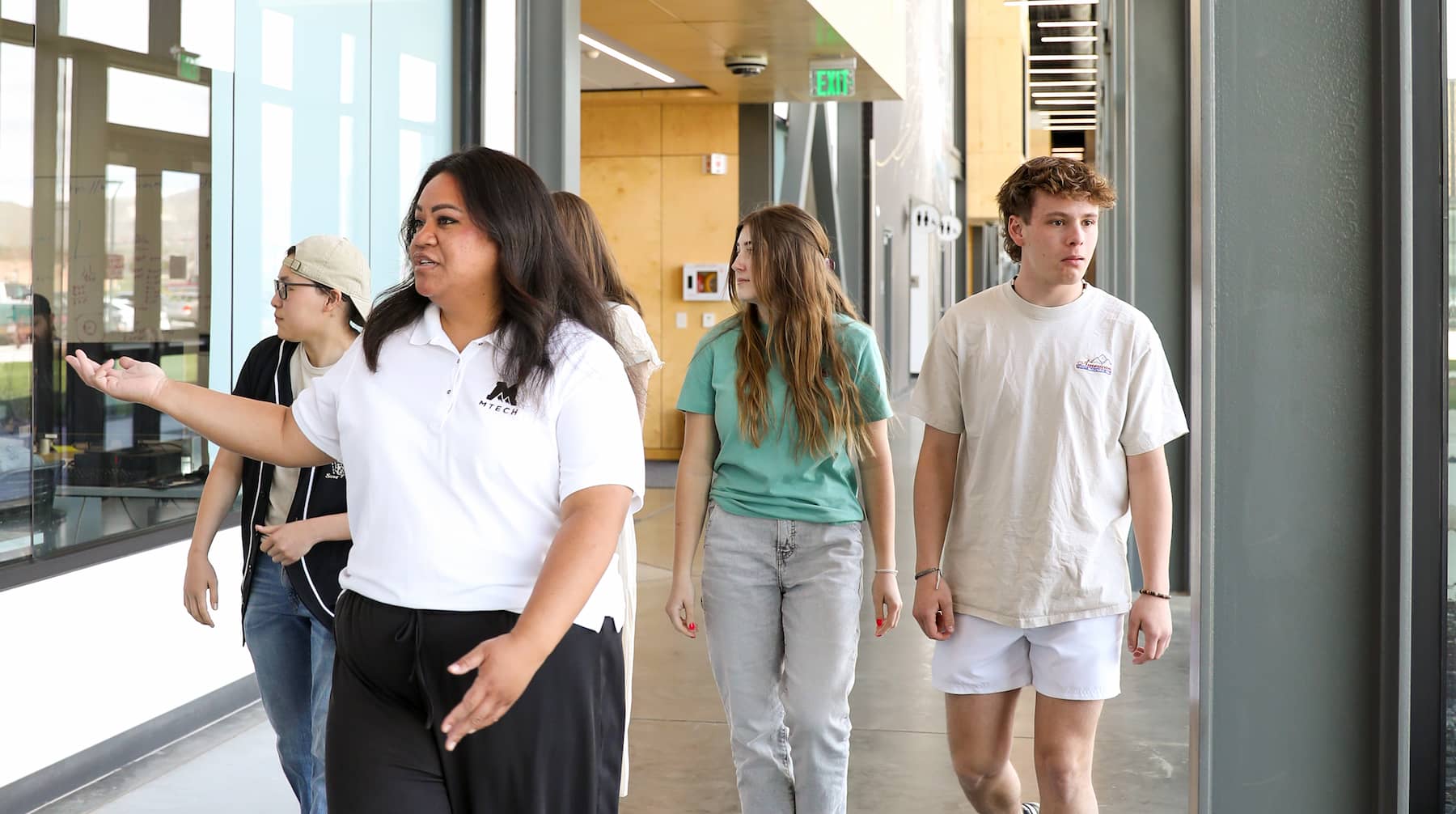
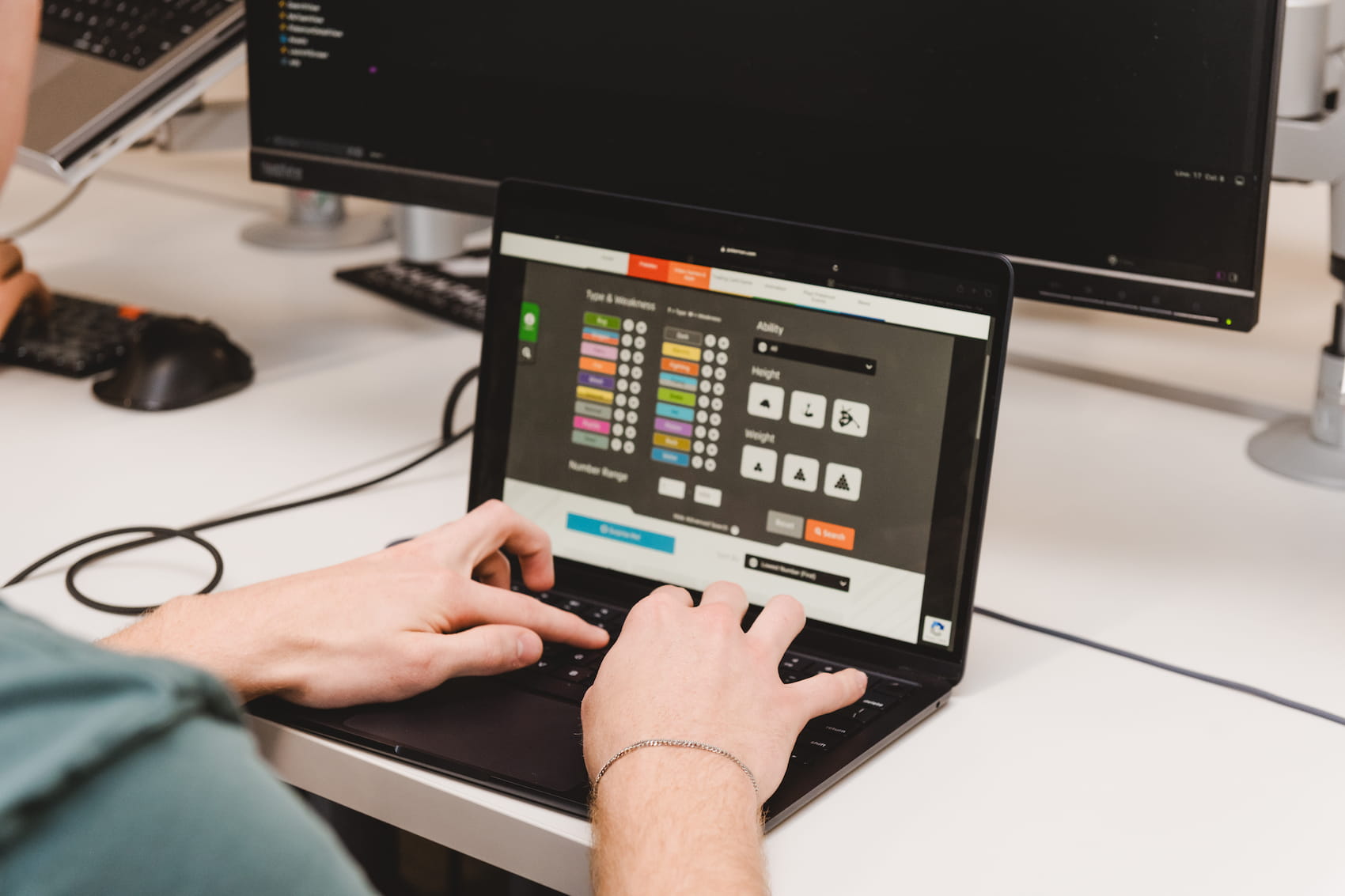
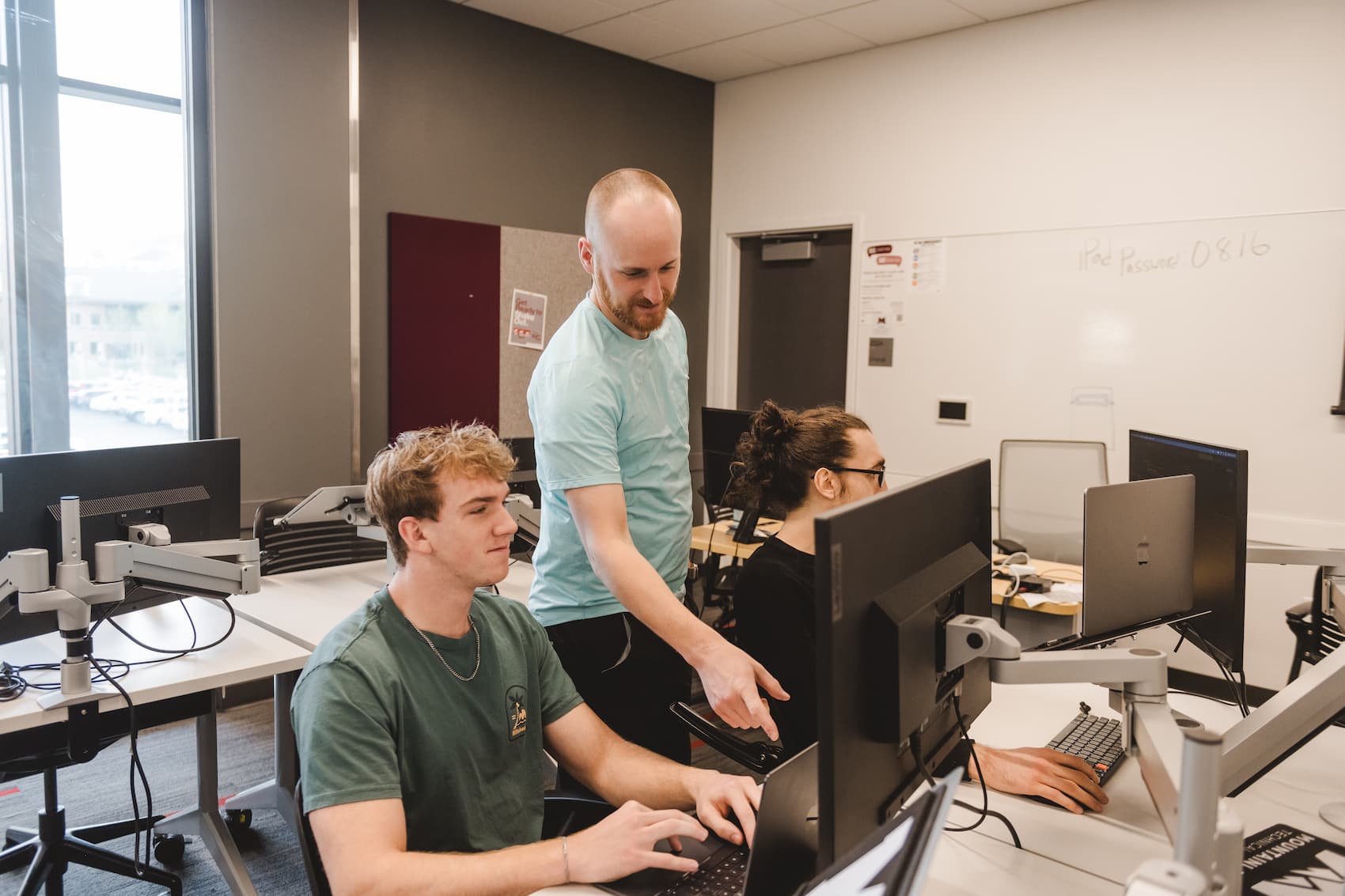
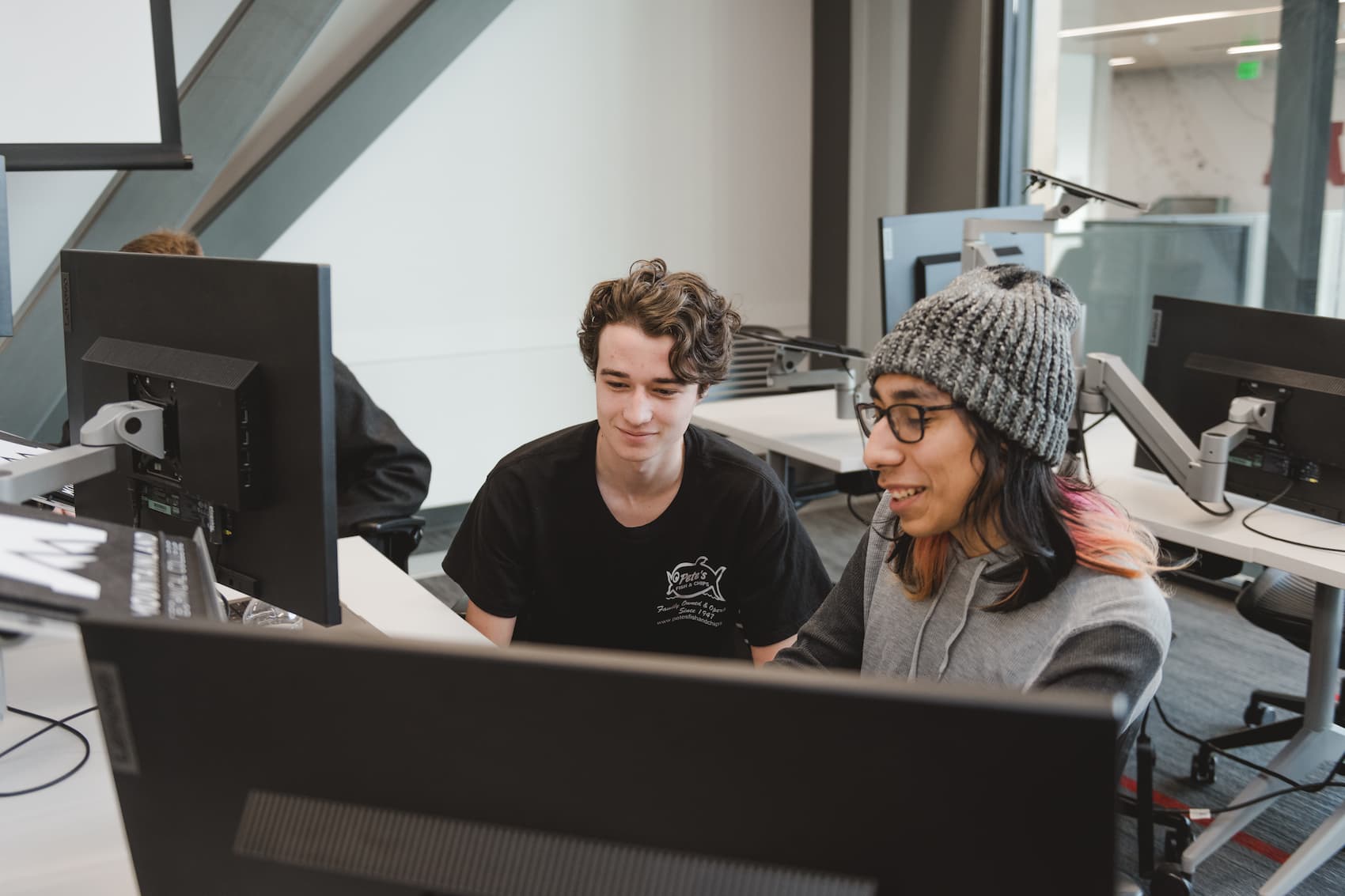
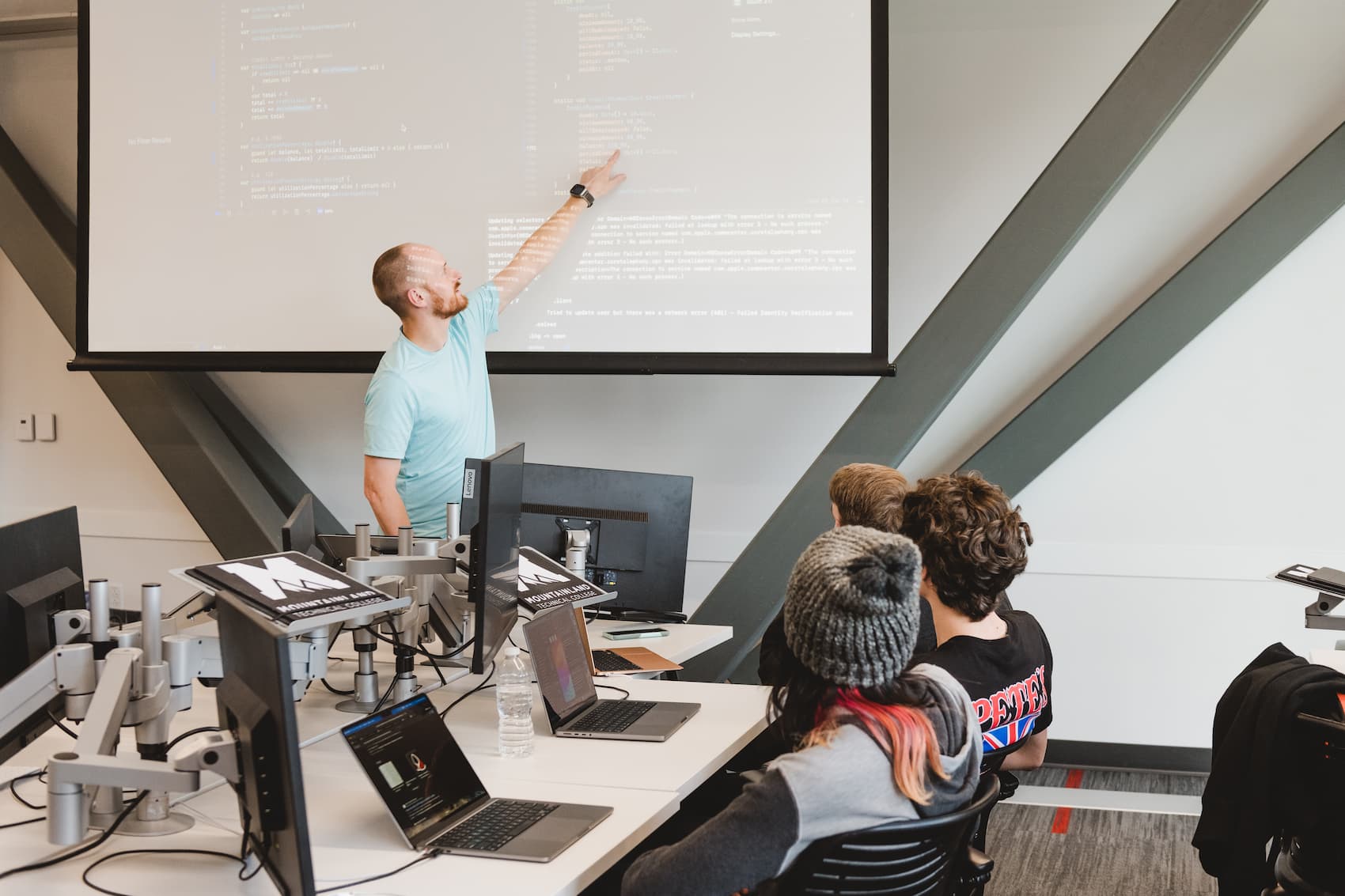
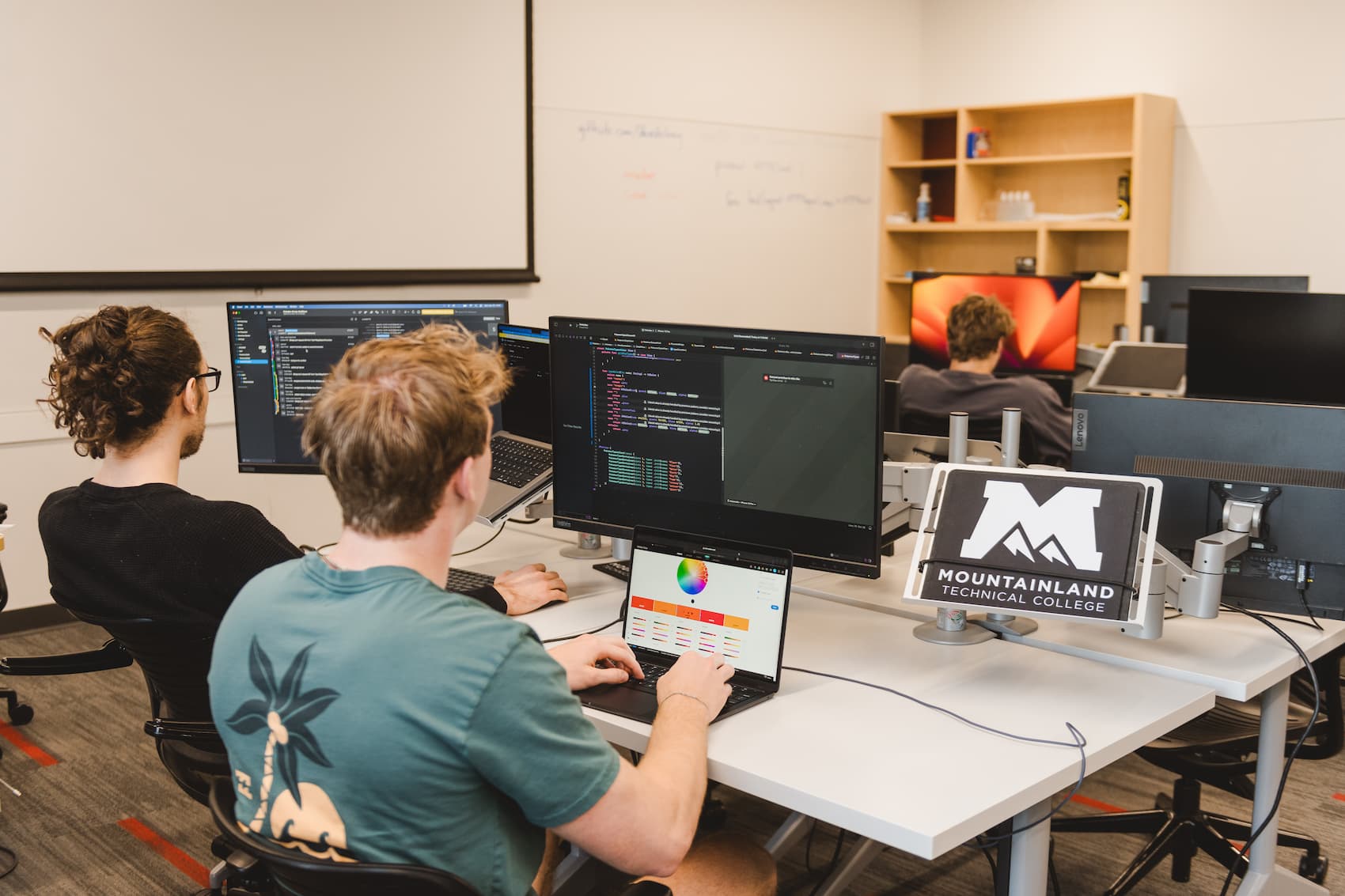
The iOS App Development program introduces the fundamental concepts of mobile applications and provides comprehensive coverage of client-side development. Students will receive the skills and knowledge to build engaging, interactive user experiences on mobile devices as an iOS developer. Students gain invaluable knowledge and experience developing with Swift, SwiftUI, and other fundamental frameworks.
Throughout the program, students complete a series of professional portfolio projects that they can showcase for potential employers when seeking employment.



This program is eligible for Financial and Veterans Aid! Learn more
Registration Period: –
Minimum Age Requirement: 16 years old. High school students must be in their junior or senior year.
Proficient in digital literacy and computer skills
Complete and satisfy score requirements on the Entrance Assessment administered by the Testing Center.
View the Catalog for full schedule details.
View the Catalog for program courses.
Upon registration, you will register and submit payment for the first course in the program.
While not required, you may make a deposit, in person or online, for the full program upon registration to be held in your student account.
View the Catalog for tuition and fee details.
Note: High school students attend MTECH tuition free, and are only responsible for fees and materials.
Please note that the iOS App Development program is priced at a lower flat rate within the registration software because the cost does not include a computer. After registering for the program, please contact Student Services to confirm which computer option you’d like. Please reference the ‘Materials & Supplies’ drop-down on this page to review computer options.
Course-by-course cost breakdowns can be found on the “Courses” tab above.
Upon registration, you will register and submit payment for the first course in the program. Fees and materials may be required upfront, while some may be paid later throughout the program.
While not required, you may make a deposit, in person or online, for the full program upon registration to be held in your student account.
View the Catalog for material and supply details.
I don’t have any programming experience. Can I still take this program?
Absolutely! This program starts from the very basics of programming and takes students to a junior developer level.
Will I learn iOS or Android development?
This program is built around iOS Development. We do 100% native Swift development for the Apple platforms. The experience you gain in this class can help you branch out to other systems if that’s what you want to do.
Can I do game development in and after this class?
Game development is not specifically taught in this program. However, you will have all the necessary tools to build your own game.
Will I learn SwiftUI or UIKit?
Both! Because SwiftUI is so new UIKit is still a much needed skill to have in the industry. You will also learn the newer SwiftUI framework later in the program.
Admission requirements may be met by taking the Entrance Assessment OR by providing qualifying documentation. The Entrance Assessment can be taken at a Testing Center, and qualifying documents can be sent to transcripts@mtec.edu.
Learn more about the assessment HERE
Once previous steps have been completed, eligibility is met to register for the first course within the program. Registration is on a first-come, first-served basis. Tuition and fees are due for the first course upon registration.
Please note that the iOS App Development program is priced at a lower flat rate within the registration software because the cost does not include a computer. After registering for the program, please contact Student Services to confirm which computer option you'd like. Please reference the 'Materials & Supplies' drop-down on this page to review computer options.
Prospective students can register through Learning Stream or in person at Student Services.
To register, you will use your Canvas login and password and will need your MTECH Student ID number. These items are included in the email you received after your MTECH application; however, if you cannot find this information, please contact our Student Services team prior to registration day.
Please be sure you have verified your Canvas email address before registering.
After a course is in your cart, you will have 5 minutes to complete the checkout process before it is unreserved and may be taken by another student.
| Cookie | Duration | Description |
|---|---|---|
| cookielawinfo-checkbox-analytics | 11 months | This cookie is set by GDPR Cookie Consent plugin. The cookie is used to store the user consent for the cookies in the category "Analytics". |
| cookielawinfo-checkbox-functional | 11 months | The cookie is set by GDPR cookie consent to record the user consent for the cookies in the category "Functional". |
| cookielawinfo-checkbox-necessary | 11 months | This cookie is set by GDPR Cookie Consent plugin. The cookies is used to store the user consent for the cookies in the category "Necessary". |
| cookielawinfo-checkbox-others | 11 months | This cookie is set by GDPR Cookie Consent plugin. The cookie is used to store the user consent for the cookies in the category "Other. |
| cookielawinfo-checkbox-performance | 11 months | This cookie is set by GDPR Cookie Consent plugin. The cookie is used to store the user consent for the cookies in the category "Performance". |
| viewed_cookie_policy | 11 months | The cookie is set by the GDPR Cookie Consent plugin and is used to store whether or not user has consented to the use of cookies. It does not store any personal data. |